
Miro keeps the service running. When offboarding takes a team’s boards, you own the recovery. Resilience starts there: name the boards, frames, or notes you need and Rewind can restore exactly those.
Whole boards, and the board items that sit on them, across the teams you approve.
Sticky notes and text, backed up in place on the board they belong to.
Shapes and images, backed up in place on the boards that hold them.
Frames, the containers that group content on a board, captured in the daily backup.
Cards, the task items you assign to the people working on a board.
Document items, files embedded in a board like a PDF or slide deck, and embeds.
Tags on board items, backed up with the items they label on every board.
Board members, the record of who had access to each board at backup time.
Your organization, teams and team settings, Spaces and Space settings, formerly Projects and Project settings.
Miro protects its platform, not your board data. Every roadmap, retro, and workshop your team ran is yours to protect. When a board goes, the reasoning behind a decision goes with it, and nobody can reconstruct it from memory.
Auditors need backup evidence, tested procedures, and documented RTO and RPO targets. Holding a copy of your data is one thing; showing you can reconstruct from it is what the audit asks for.
One sticky note ends up in the wrong place. A whole team’s boards get deleted when an account is offboarded. Either way, it is the same request to Rewind support.
AI agents and integrations can restructure or clear board content in seconds. A wrong instruction hits boards, tags, and documents faster than any team can catch it. Rewind can put it back, item by item, from before it happened.
Resilience is knowing the thinking survives the tool. Restore on Request is part of Rewind Backups for Miro. Rewind support runs the restore for you, across every resource Rewind backs up.
Rewind has been backing up your Miro boards every day since you connected them, and it keeps 365 days of history. Name the board and the point in time it was still right.
Email Rewind support with the reason, the exact resources you want back, and the date and time to restore them to. That can be a single sticky note or an entire board.
Restore on Request covers every resource Rewind backs up for Miro. Rewind support puts what you named back into your board in the state it held on the date you chose.
Export a mirrored clone of any board on demand, before a big restructure or for an audit. Restore on Request stays available across everything Rewind backs up for Miro.
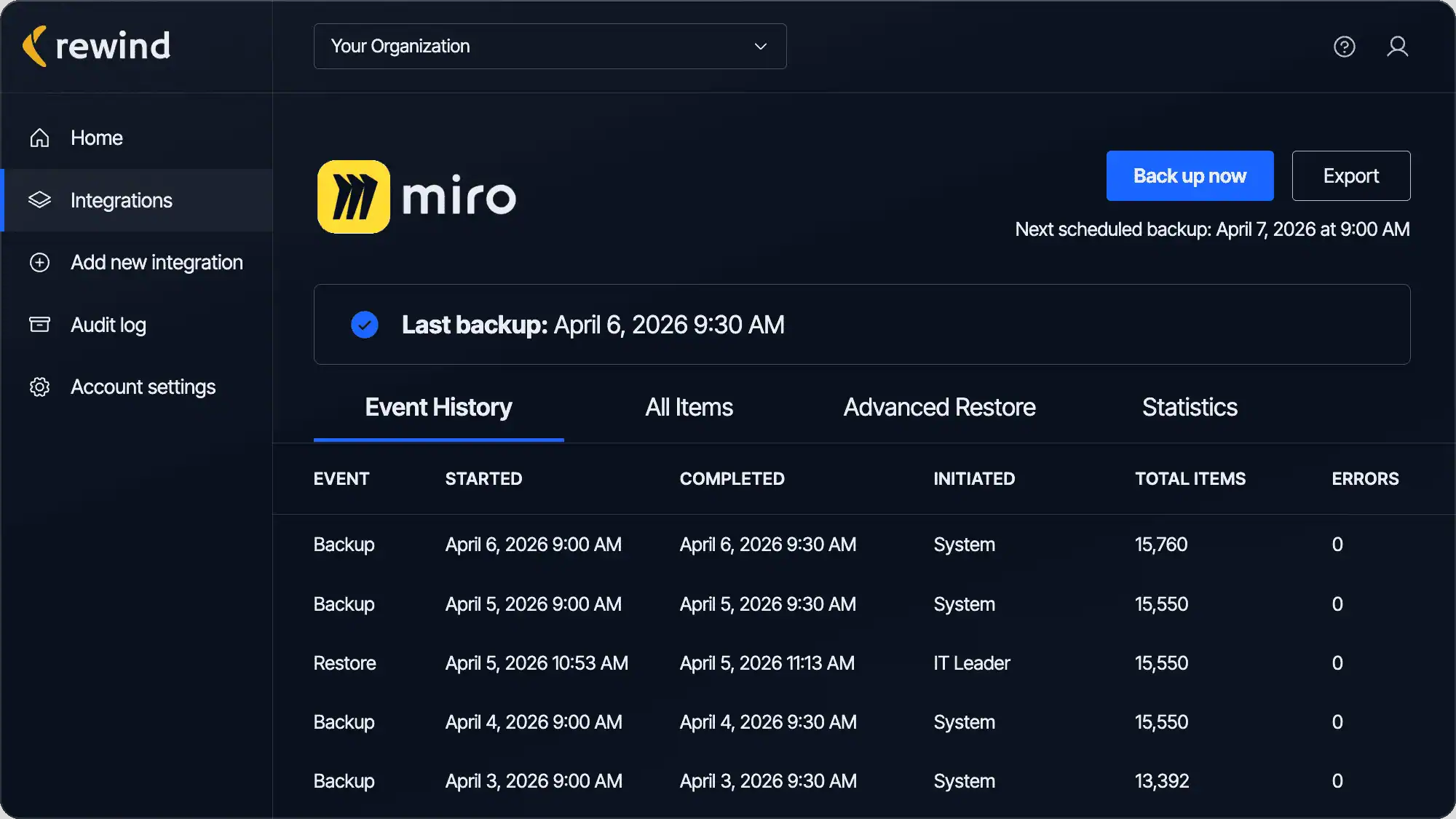
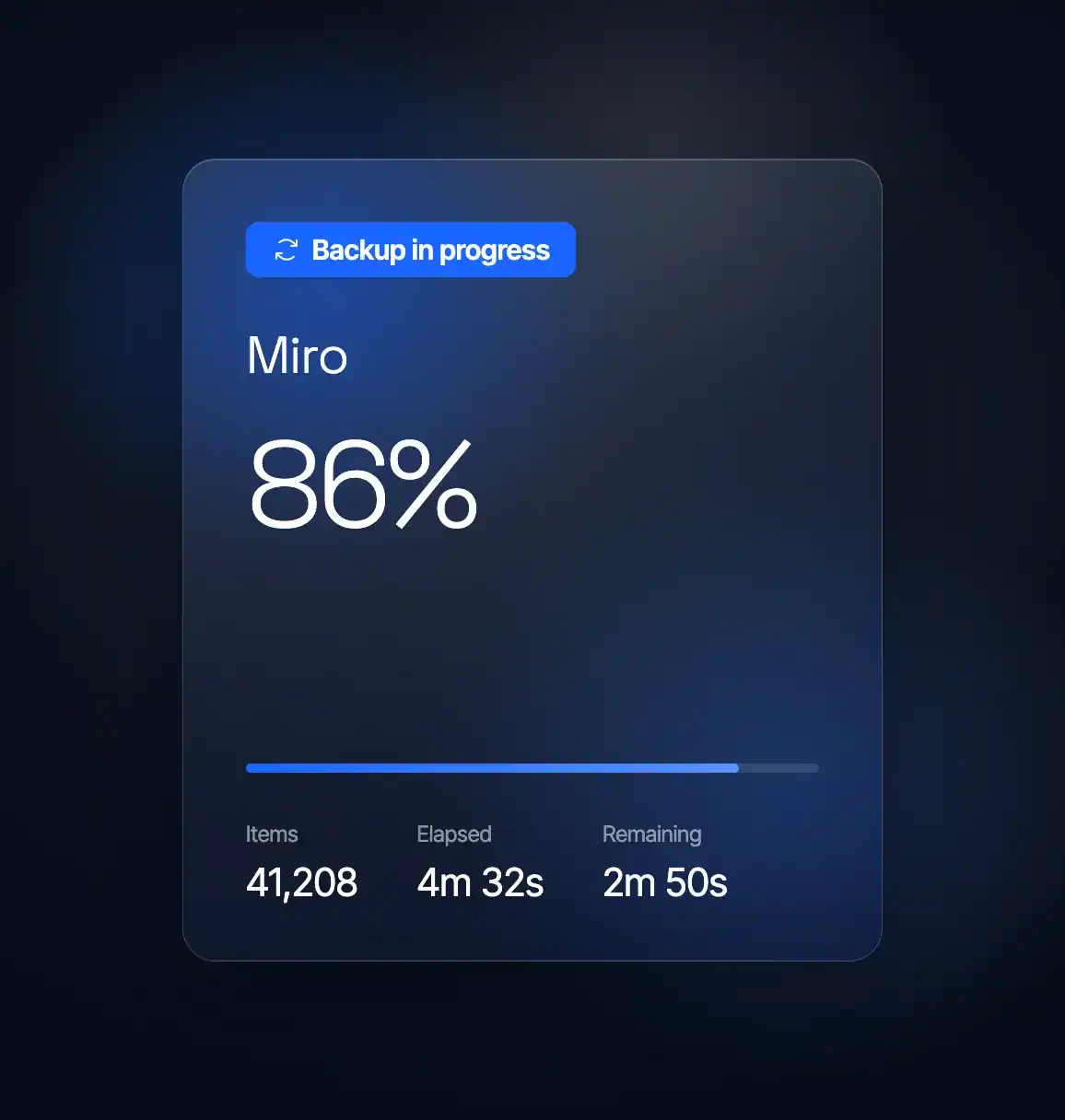
Rewind runs automated daily backups across the Miro teams and boards you approve, and keeps 365 days of backup history. You can run a backup on demand before a big restructure or a team cleanup.
Backups are encrypted in transit and at rest with AES-256. Every backup, restore, and export is written to an exportable audit log with 365 days of history. Rewind offers data residency in six regions.
Ask Rewind to bring back the exact resources you name (a single sticky note, an image, or a shape) from the point in time you choose. It comes back into place without touching the rest of the board.
Offboarding, license changes, and team cleanups delete boards that nobody meant to lose. Rewind keeps an independent copy, so a board outlives the account that made it and stays recoverable for the full 365 days.

“If you have a major disaster, you need a partner who’s going to get your data back as quickly as possible, especially if something unexpected comes up. Rewind really wants to be a partner in solving these problems.”
Jeremy Neyhart, Engineering Manager
Lutron

“Rewind gave me peace of mind so I don’t have to worry about damage to my systems, whether it’s caused by wrong usage or by AI overreach.”
Nir Schneider, Development Manager
eseebase

“Whether it’s restoring data from an accidental deletion or compromise, or just having the peace of mind knowing that Rewind’s there if you need it, is why we recommend Rewind to every client.”
Wes Buckwalter, CEO
SeaMonster Studios

“I’ve been through disasters. I’ve seen people just delete things or make a mistake. And I’ve seen viruses go scampering across the network, so I know their destructive capabilities. I’ve seen why a third-party backup is important.”
Paul Jacques, Security & Infrastructure Manager
Nexus FrontierTech
“We knew Atlassian provides limited data backup coverage, but that doesn’t extend to backup of account-level data in GitHub and Jira.”
Eran Polak, R&D Manager
Matics

“Rewind doesn’t just give us a full backup of the codebase with just a few clicks; it also gives us a business continuity plan in the event of the worst-case scenario.”
Uttej Badwane, Senior Security Engineer
Carta

“The biggest benefit of working with Rewind is the peace of mind. I know that if I make a mistake, Shopify crashes, or our data is stolen, that Rewind has me covered. I can easily log in and access my data and restore it.”

Rewind backs up all 17 Miro resources: boards, board items, board members, frames, cards, sticky notes, text, shapes, images, embedded documents, embeds, tags, your organization, teams and team settings, and Spaces and Space settings, which Miro previously called Projects and Project settings. Backups run automatically every day.
That is what the Restore on Request service is for. You tell Rewind the exact resources you want back, a single sticky note, image, or shape, and the point in time to restore them to. Rewind brings them back without impacting your other assets.
Through Restore on Request, the Rewind restore service that covers every resource it backs up for Miro. You send Rewind support the exact resources and the point in time, and Rewind restores them into Miro. You can also export a mirrored clone of a board yourself at any time.
Rewind Backups for Miro runs on the Miro Enterprise plan. Whoever links Miro to Rewind needs Company Admin permissions, and a dedicated service account is recommended. Rewind covers every team that admin account can reach, and approving access to another team brings it into the backup. Backup storage is unlimited and included.
Rewind keeps an independent copy of every board it backs up, so a board stays recoverable for the full 365-day retention window even after the account that created it is removed from your Miro organization. Ask Rewind support to restore it, naming the board and the date.


