
Okta keeps sign-in running. When a policy change locks out the people who could fix it, you own the recovery. Resilience starts there: Rewind puts your users, groups and authentication policies back.
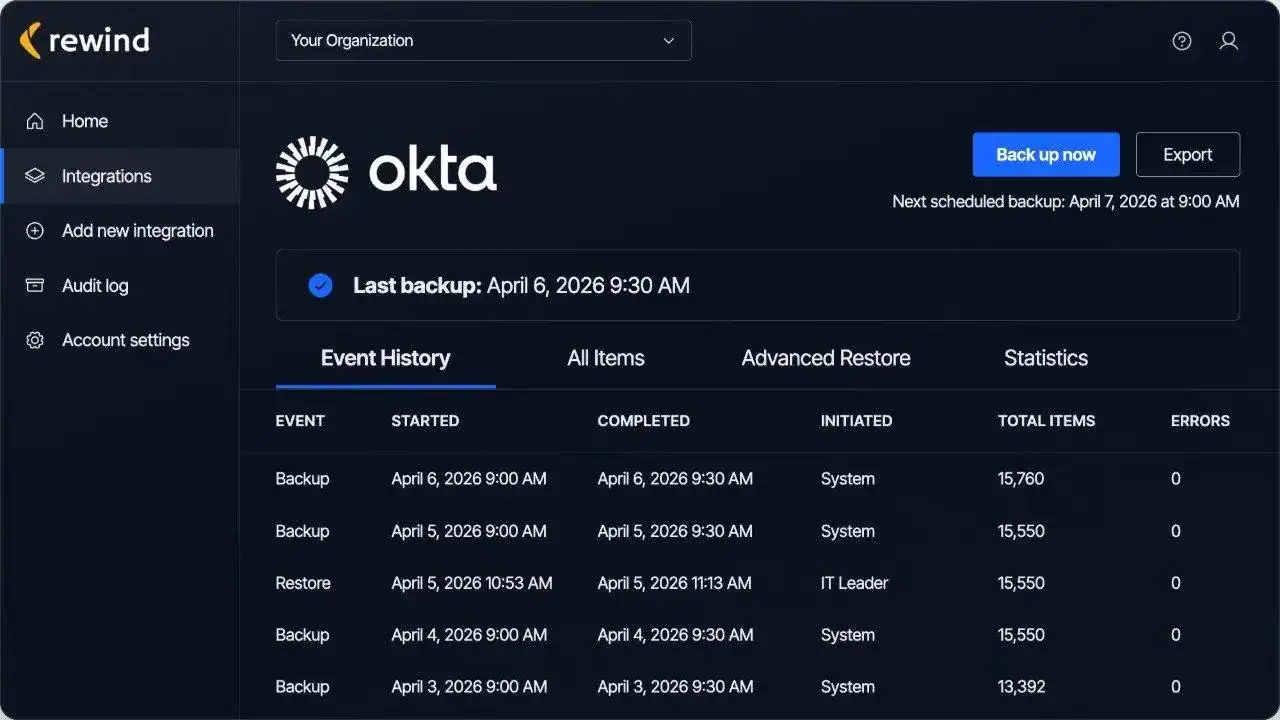
Users across your Okta org, together with the identity providers linked to each one.
Groups with their group rules and group members, exactly as they were assigned.
Applications across your Okta org, with their application connections and application features.
Application credentials, application key credentials and application tokens, held with their application.
Application grants, application groups and application users, the record of who had access.
Authentication policies with their policy rules and the apps mapped to them.
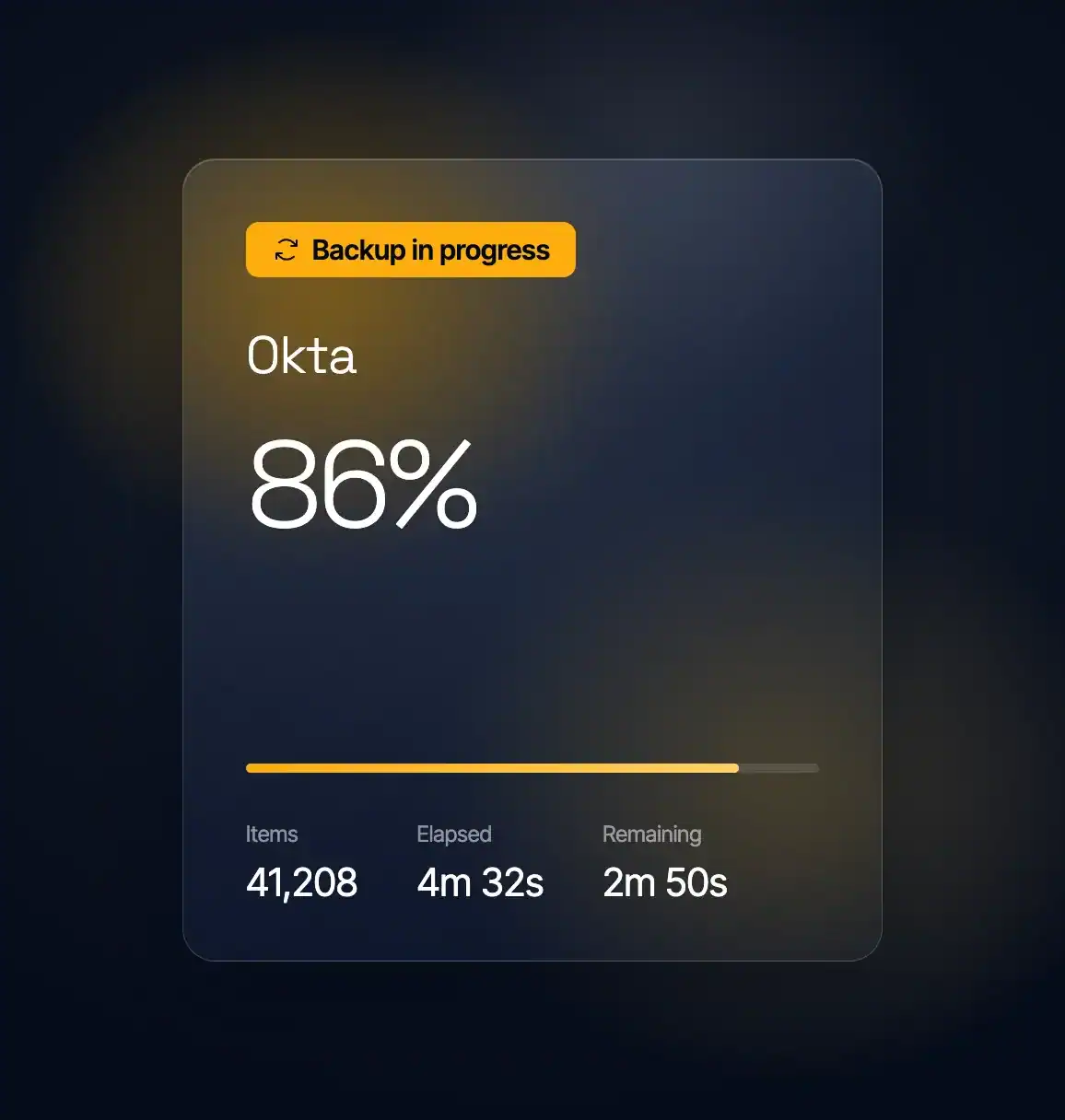
Your security team tightens an authentication policy and it reaches further than anyone intended. The policy and its rules come back as they were before the change, and people sign in again.
Backups are encrypted in transit and at rest with AES-256, and every backup, restore, and export is written to an exportable audit log with 365 days of history. Rewind offers data residency in six regions.
A bulk edit clears group assignments across hundreds of applications, and rebuilding it team by team is weeks of work. Application groups come back from the day before with every assignment intact, so your teams keep operating.
A sync from the system that feeds your directory rewrites group memberships across thousands of people. Groups return to how they stood the day before, together with your users, so each group has the people it had.

“If you have a major disaster, you need a partner who’s going to get your data back as quickly as possible, especially if something unexpected comes up. Rewind really wants to be a partner in solving these problems.”
Jeremy Neyhart, Engineering Manager
Lutron

“Rewind gave me peace of mind so I don’t have to worry about damage to my systems, whether it’s caused by wrong usage or by AI overreach.”
Nir Schneider, Development Manager
eseebase

“Whether it’s restoring data from an accidental deletion or compromise, or just having the peace of mind knowing that Rewind’s there if you need it, is why we recommend Rewind to every client.”
Wes Buckwalter, CEO
SeaMonster Studios

“I’ve been through disasters. I’ve seen people just delete things or make a mistake. And I’ve seen viruses go scampering across the network, so I know their destructive capabilities. I’ve seen why a third-party backup is important.”
Paul Jacques, Security & Infrastructure Manager
Nexus FrontierTech

“We knew Atlassian provides limited data backup coverage, but that doesn’t extend to backup of account-level data in GitHub and Jira.”
Eran Polak, R&D Manager
Matics

“Rewind doesn’t just give us a full backup of the codebase with just a few clicks; it also gives us a business continuity plan in the event of the worst-case scenario.”
Uttej Badwane, Senior Security Engineer
Carta

“The biggest benefit of working with Rewind is the peace of mind. I know that if I make a mistake, Shopify crashes, or our data is stolen, that Rewind has me covered. I can easily log in and access my data and restore it.”


See pricing
Back up users, groups and Conditional Access policies.
Seventeen Okta resource types, in four groups. Users, with the identity providers linked to them. Groups, with their group rules and group members. Applications, with their connections, credentials, keys, tokens, features, grants, groups and users. And authentication policies, with their policy rules and the apps mapped to them. All seventeen are named in the coverage grid above.

