
Mailchimp keeps the platform online. When an audience is deleted, you own the recovery. Resilience starts there: name what you need and Rewind puts your audiences, campaigns and templates back.
Audience name, email settings, form settings, double opt-in, marketing permissions, visibility, and audience stats.
Email address, status, merge fields, groups, tags, language, location, VIP status, and engagement stats.
Campaign content, recipients, send settings, A/B test settings, tracking, social card, and report summaries.
Template name, category, responsive and drag-and-drop settings, folder, thumbnail, share URL, and content type.
Page name, title, description, template, connected audience and store, URL, publish state, and tracking.
Automation status, trigger settings, recipients, send settings, tracking, emails sent, and report summaries.
File name, type, size, dimensions, full-size and thumbnail URLs, parent folder, and creator.
Folder name, the number of files it holds, creation date, and creator.
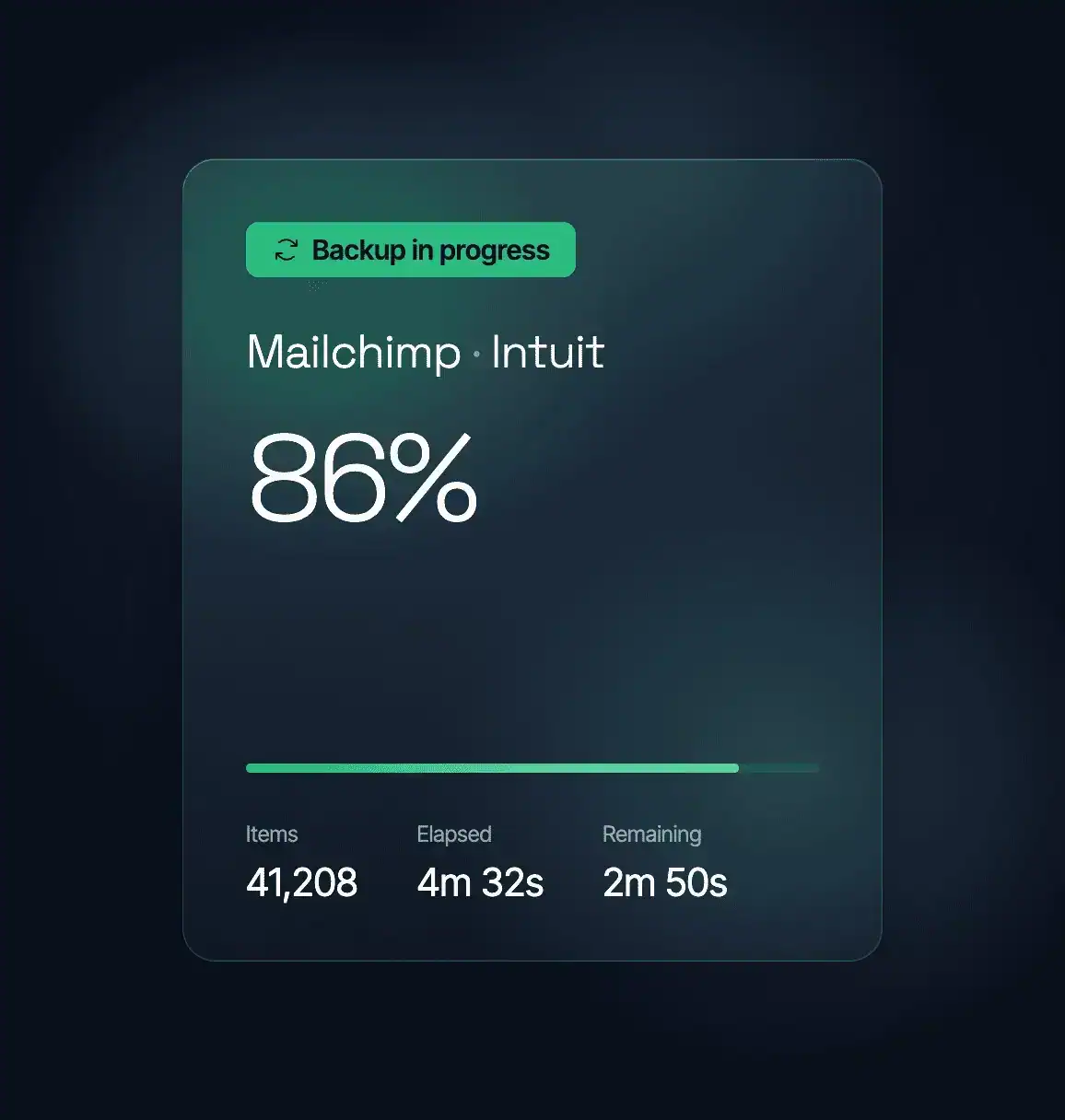
Mailchimp runs and secures the platform. Your audiences and your campaign history are yours to keep recoverable. So are the templates you spent months building. Rewind is the independent copy you control, stored outside Mailchimp.
A green status page does not mean your audience is intact. A bulk import, a merge-field change or a connected app can leave Mailchimp running perfectly and your contacts wrong. Rewind holds the version from before.
When a bulk edit goes wrong, you name the day you want back, and Rewind support puts your audiences, campaigns and templates there.
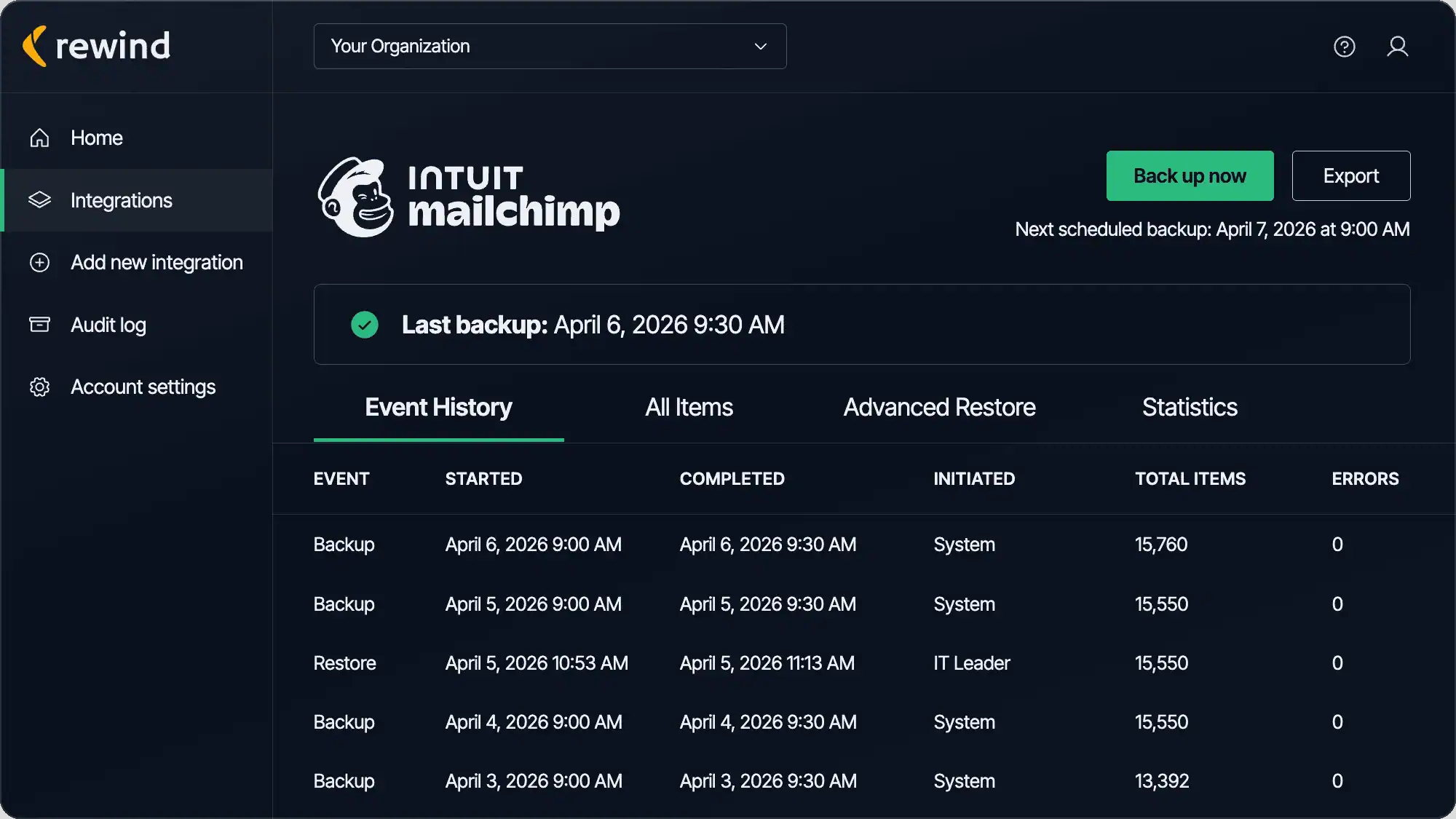
Rewind starts protecting your Mailchimp account the moment you connect it, then captures changes every 24 hours. Every backup is kept for a year, so you can go back to any day in your history.
Email Rewind with the reason, the exact things you want back, and the date and time to restore them to. That can be one campaign, one audience, or everything Rewind holds for you.
Before a bulk import or a template rebuild, you already have yesterday's backup. Name the day you want to return to, and Rewind support puts your audiences, campaigns and templates back.
A bad bulk edit can take out contacts that took years to gather. Tell Rewind support which audience and which day, and your contacts come back with their merge fields, tags, marketing permissions and engagement stats.
Agencies and new hires need access, and a tidy-up can go further than anyone meant. Pick the day before the work started and Rewind support returns your campaigns, templates and landing pages to how you had them.
A change can show up weeks later, when a report comes back wrong. Every backup stays for a year, so you can pick a date from months ago and have Rewind support restore your audiences and campaigns.

“If you have a major disaster, you need a partner who’s going to get your data back as quickly as possible, especially if something unexpected comes up. Rewind really wants to be a partner in solving these problems.”
Jeremy Neyhart, Engineering Manager
Lutron

“Rewind gave me peace of mind so I don’t have to worry about damage to my systems, whether it’s caused by wrong usage or by AI overreach.”
Nir Schneider, Development Manager
eseebase

“Whether it’s restoring data from an accidental deletion or compromise, or just having the peace of mind knowing that Rewind’s there if you need it, is why we recommend Rewind to every client.”
Wes Buckwalter, CEO
SeaMonster Studios

“I’ve been through disasters. I’ve seen people just delete things or make a mistake. And I’ve seen viruses go scampering across the network, so I know their destructive capabilities. I’ve seen why a third-party backup is important.”
Paul Jacques, Security & Infrastructure Manager
Nexus FrontierTech

“We knew Atlassian provides limited data backup coverage, but that doesn’t extend to backup of account-level data in GitHub and Jira.”
Eran Polak, R&D Manager
Matics

“Rewind doesn’t just give us a full backup of the codebase with just a few clicks; it also gives us a business continuity plan in the event of the worst-case scenario.”
Uttej Badwane, Senior Security Engineer
Carta

“The biggest benefit of working with Rewind is the peace of mind. I know that if I make a mistake, Shopify crashes, or our data is stolen, that Rewind has me covered. I can easily log in and access my data and restore it.”


Backups, Alerts, Monitor and Staging for your store.
Rewind backs up eight Mailchimp resources: audiences, contacts, campaigns, Classic Automations, templates, landing pages, files and folders. That is 113 fields in all, captured every day and kept for a year. The coverage list above names every resource in your backup and the main fields inside each one.
