
BigCommerce keeps your storefront online. When a wrong listing goes live in peak season, you own the recovery. Resilience starts there: Rewind puts one product, one page, or your whole store back.
Names, types, SKUs, descriptions, prices, stock, dimensions, variants, images, video links, reviews and custom fields.
Every option set, option, product modifier and complex rule in your catalog.
Category names, descriptions and images, plus brand names, page titles, search keywords, URLs and images.
First and last names, emails, phone numbers, store credit and notes on every customer record.
Order IDs, dates, customers, status, totals, order details, products, coupons, messages, tax and shipping addresses.
Price list names and every price list record behind your customer-specific and volume pricing.
Every Stencil theme file and asset, plus base theme name, variation and status.
Titles, bodies, summaries, publish dates, tags and authors, on draft and published posts.
Page type, name, URL, content and images for every web page on your storefront.
The path and destination URL behind every 301 redirect in your storefront settings.
Code, customer name, amount, balance, status and purchase date for each one.
Page titles, meta descriptions and meta keywords on your products and categories.
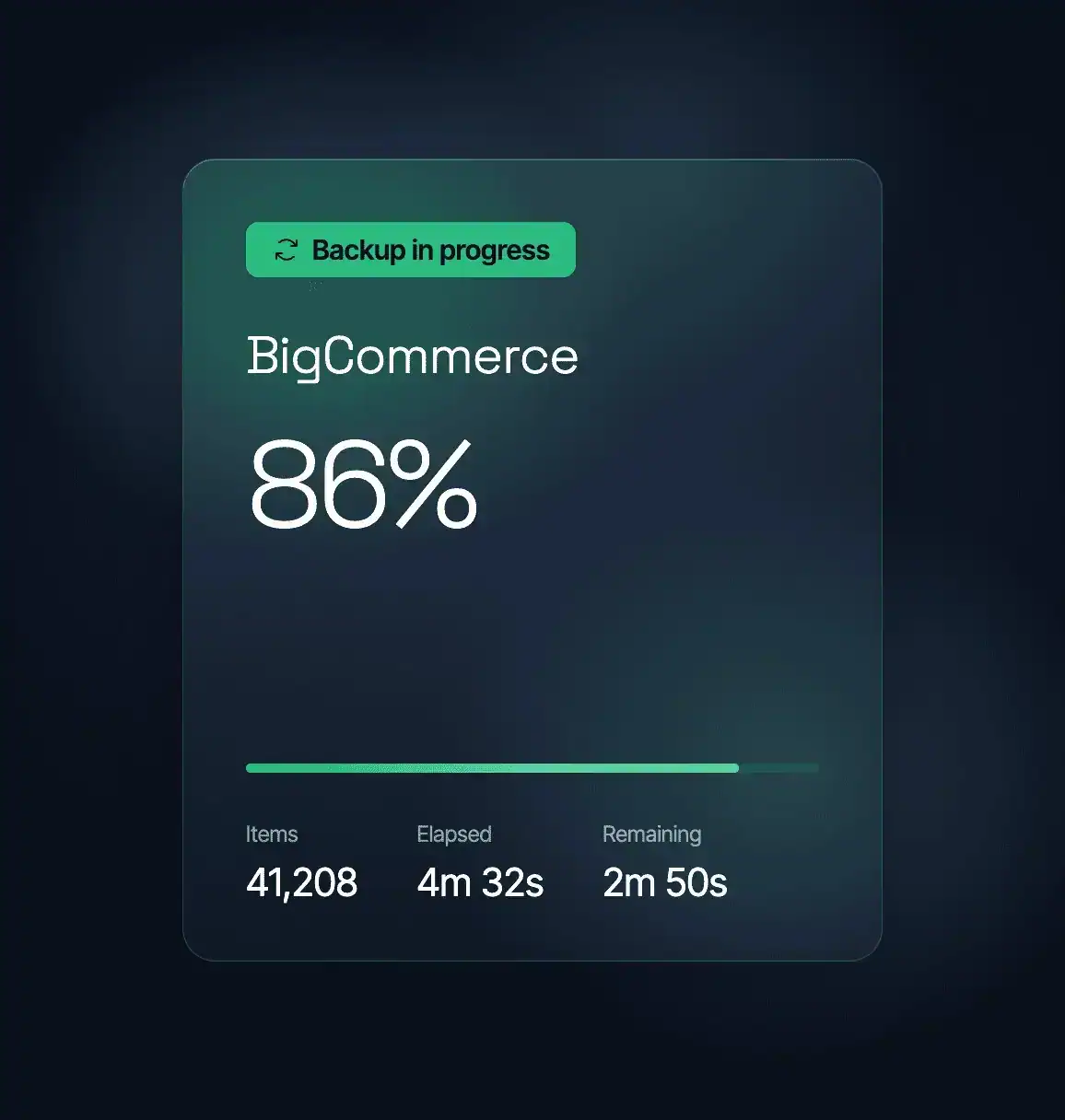
An import, a third-party app or a bulk edit changes products in place, and BigCommerce keeps serving the new version as if it were correct. Your store looks healthy while it sells the wrong one. Rewind holds the version from before.
Black Friday Cyber Monday concentrates months of revenue into a few days, so the window to correct a wrong listing is short. Rewind puts your store back to the version that was selling. That is what business continuity means in peak week.
Page titles, meta descriptions and 301 redirects are what put your products in front of someone searching for them. Nobody opens them daily, so an edit there is easy to miss until your rankings move. Rewind keeps a copy of them all.
Rewind backs up your store automatically and keeps every item as its own record in the Vault. Open it, search for the product, page or theme, and pick the version you need. Three routes bring it back out.
Pick one product, page or theme in the Vault and Rewind puts that version back in your store. The item comes back the way it was, and the rest of the store keeps selling.
Choose a point in time and Advanced Restore takes a set of items back to how they were then. Roll your products back to Tuesday morning and Rewind brings their brands, categories and option sets with them.
When a change reaches further than you meant it to, ask Rewind for a full account restore. All fifteen data types come back together, from your catalog and content to your customer and order records.
A new hand on your SEO can clear the fields your rankings were built on. Pick the products, categories or blog posts you need in the Vault, and Rewind puts their titles, descriptions and keywords back the way they were.
Price lists hold the customer-specific and volume pricing your customer groups see, and one bad update reaches all of them at once. Open the Vault, pick the price list, and Rewind puts that version back on its own.
A bulk edit can leave stock levels wrong across your catalog at once. Roll those products back to the version you want, and Rewind sets each stock level to the number it held then, so the counts come back with them.
Product photography sits on every listing you sell from. Rewind holds the images on every product next to its names, prices and variants, so the version you put back is the whole listing.

“If you have a major disaster, you need a partner who’s going to get your data back as quickly as possible, especially if something unexpected comes up. Rewind really wants to be a partner in solving these problems.”
Jeremy Neyhart, Engineering Manager
Lutron

“Rewind gave me peace of mind so I don’t have to worry about damage to my systems, whether it’s caused by wrong usage or by AI overreach.”
Nir Schneider, Development Manager
eseebase

“Whether it’s restoring data from an accidental deletion or compromise, or just having the peace of mind knowing that Rewind’s there if you need it, is why we recommend Rewind to every client.”
Wes Buckwalter, CEO
SeaMonster Studios

“I’ve been through disasters. I’ve seen people just delete things or make a mistake. And I’ve seen viruses go scampering across the network, so I know their destructive capabilities. I’ve seen why a third-party backup is important.”
Paul Jacques, Security & Infrastructure Manager
Nexus FrontierTech

“We knew Atlassian provides limited data backup coverage, but that doesn’t extend to backup of account-level data in GitHub and Jira.”
Eran Polak, R&D Manager
Matics

“Rewind doesn’t just give us a full backup of the codebase with just a few clicks; it also gives us a business continuity plan in the event of the worst-case scenario.”
Uttej Badwane, Senior Security Engineer
Carta

“The biggest benefit of working with Rewind is the peace of mind. I know that if I make a mistake, Shopify crashes, or our data is stolen, that Rewind has me covered. I can easily log in and access my data and restore it.”

Fifteen types of store data: products, categories, option sets, options, product modifiers, complex rules, brands, customers, orders, 301 redirects, blog posts, web pages, Stencil themes, gift certificates and price lists. Every one of them is listed on this page with its own fields, so you can look up the object you care about.
BigCommerce keeps the platform running and secures it. Under the shared responsibility model, the products, themes, customers and orders in your account are yours to protect. Rewind keeps an independent copy that you control, stored outside BigCommerce. When a third-party app or a bad import changes your data, you roll it back yourself.
Rewind Backups for BigCommerce is priced by the orders your store takes each month, starting at $45. The pricing page lists the order bands, so you can find the one your store sits in before you talk to anyone. Every plan comes with a seven-day free trial.


